

Can Small Businesses Use AI Automation?
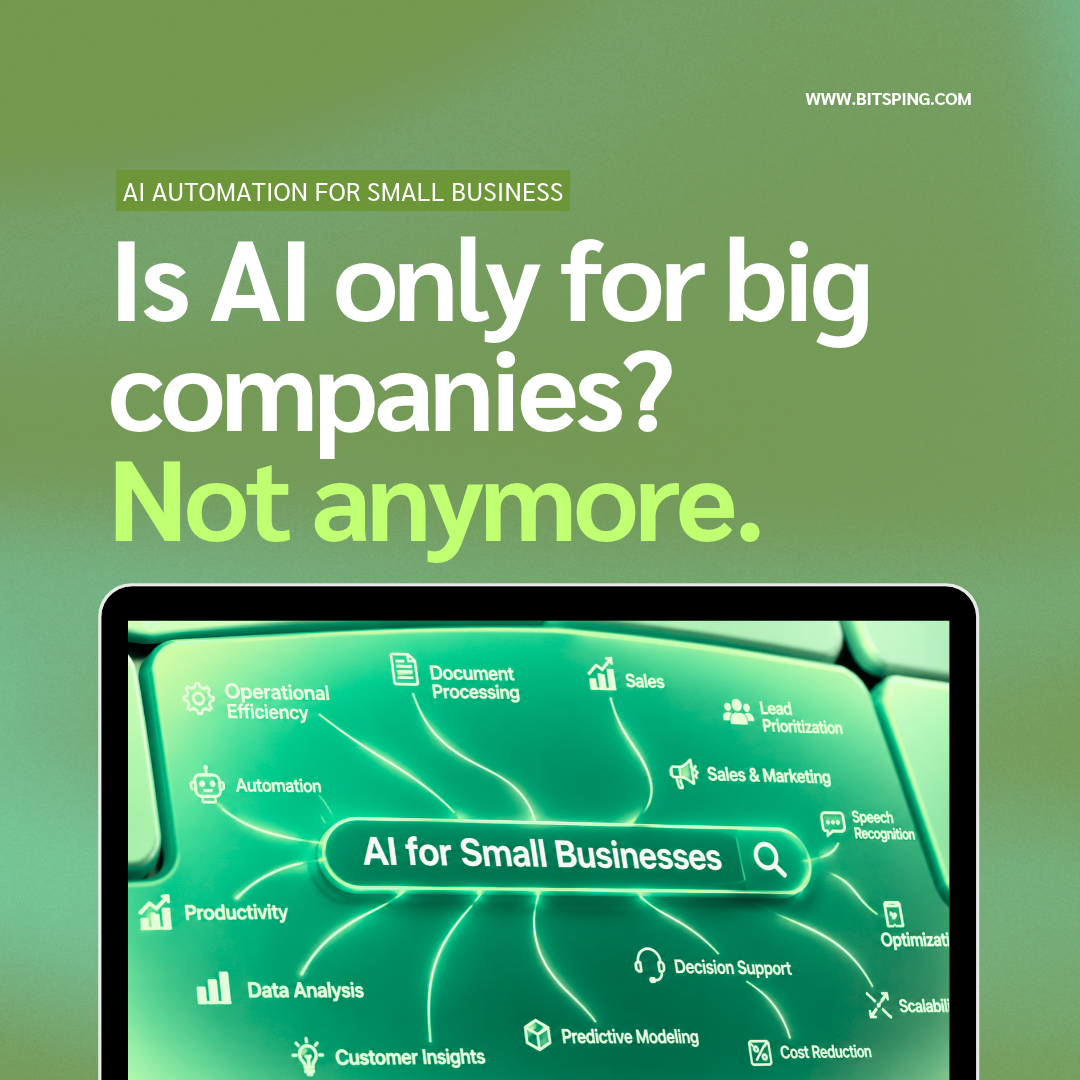
Yes. Small businesses can use AI automation to handle repetitive tasks like customer replies, lead follow-up, appointment booking, invoicing, and content creation. Most tools need no coding, and many start at a low monthly cost. The best approach is to start with one time-consuming task, automate it, measure the results, and then expand.
What Is AI Automation?
AI automation means using artificial intelligence and software workflows to complete repetitive business tasks with little or no human effort. Traditional automation follows fixed rules (“if this happens, do that”). AI automation goes further: it can understand language, answer questions, sort information, and make simple decisions.
Example: a rule-based tool sends the same email to every new lead. An AI-powered system reads the enquiry, understands what the customer wants, replies with the right information, and alerts your team if a human is needed.
Why Small Businesses Need AI Automation
Small teams wear many hats. Owners often spend hours on admin work instead of growing the business. AI automation helps by:
- Saving time: repetitive tasks run in the background.
- Reducing errors: fewer manual entries means fewer mistakes.
- Responding faster: customers get replies in seconds, not hours.
- Working 24/7: enquiries are handled even outside office hours.
- Cutting costs: you can grow without hiring for every new task.
7 Best Use Cases of AI Automation for Small Businesses
1. Customer Support Chatbots
An AI chatbot on your website or WhatsApp answers common questions about pricing, timings, services, and orders. It hands over to a human when the question is complex.
2. Lead Capture and Follow-Up
When someone fills out a form, the system can reply instantly, add them to your CRM, and remind your sales team to follow up. Fast response is one of the biggest factors in winning a lead.
3. Appointment Booking and Reminders
Automated booking, confirmations, and reminders reduce no-shows. This works well for clinics, salons, consultants, and service businesses.
4. Invoicing and Accounting Support
Automation can generate invoices, send payment reminders, and move data between your billing and accounting tools. Your accountant still reviews and files, but the manual data entry disappears.
5. Content and Social Media
AI can help draft blog outlines, social posts, email newsletters, and product descriptions. Your team edits and adds the brand voice and facts.
6. Email and Inbox Management
AI can sort emails, draft replies, and flag urgent messages so nothing gets lost.
7. Reporting and Data Analysis
Instead of building reports by hand, automation can pull numbers from your tools into one dashboard and summarise what changed.
Popular AI and Automation Tools for Small Businesses
| Task | Type of tool | Examples |
|---|---|---|
| Connecting apps | Workflow automation | Zapier, Make, n8n |
| Customer chat | AI chatbot | Website chat, WhatsApp bots |
| CRM and leads | CRM with automation | HubSpot, Zoho CRM |
| Content | AI writing assistant | Claude, ChatGPT |
| Scheduling | Booking tools | Calendly, Zoho Bookings |
Tool features and pricing change often, so check each provider’s current plans before you commit.
How Much Does AI Automation Cost?
Costs depend on the tools and how custom your setup is.
- DIY tools: many have free plans or low monthly fees.
- Custom setups: a specialist builds workflows and chatbots around your business, usually a one-time setup fee plus monthly running costs.
- Hidden costs to plan for: your team’s time to learn the tools, and ongoing review of outputs.
The smartest way to control cost is to start with one workflow and prove the return before adding more.
How to Get Started: Step-by-Step
- List your repetitive tasks. Note what you or your team repeat every week.
- Pick the best first task. Choose the one that takes the most time or causes the most delays.
- Map the process. Write down each step, who does it, and what tools are used.
- Choose a tool or partner. Use a no-code platform or work with an automation company.
- Test on a small scale. Run it for 2 to 4 weeks with close monitoring.
- Measure results. Track hours saved, response time, and errors.
- Expand gradually. Add the next workflow once the first one works well.
Common Mistakes to Avoid
- Automating a broken process instead of fixing it first.
- Trying to automate everything at once.
- Skipping human review for customer-facing or financial tasks.
- Not protecting customer data. Check privacy and data handling before connecting tools.
- Choosing tools based on hype instead of your actual needs.
Will AI Replace Employees?
In most small businesses, AI takes over repetitive tasks, not people. Your team gets time back for work that needs judgment, creativity, and relationships, such as sales calls, customer care, and strategy.
AI Automation for Small Businesses in India
Indian small businesses are already using WhatsApp-based automation, GST-ready invoicing workflows, and local-language chatbots to serve customers faster. Because so much customer communication happens on WhatsApp, it is often the best place to start. In Kerala and across India, retail shops, clinics, real estate firms, and service providers are adopting simple automations to compete with larger players.
AI automation is no longer only for large companies. With the right approach, a small business can save time, respond faster, and grow without adding stress. Start small, measure the results, and build from there.
Ready to find the right automation for your business? Connect Bitsping for a free consultation.